How It Works
From paper to payment in seconds. See how RVU MD streamlines your entire billing workflow.
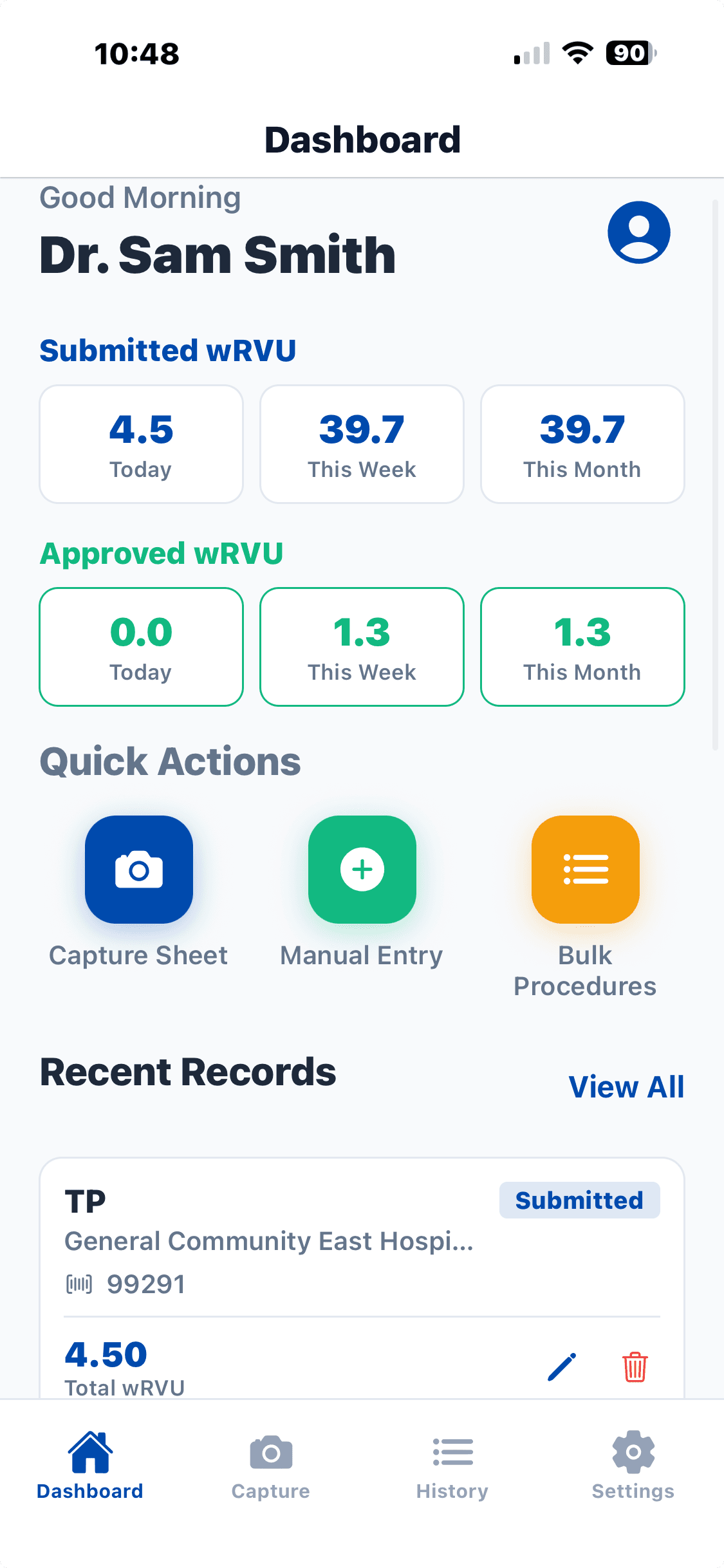
Capture Your Data
Getting started is easy. Simply open the app, choose 'Capture Sheet', and take a clear picture of your billing sheet using your phone's camera.
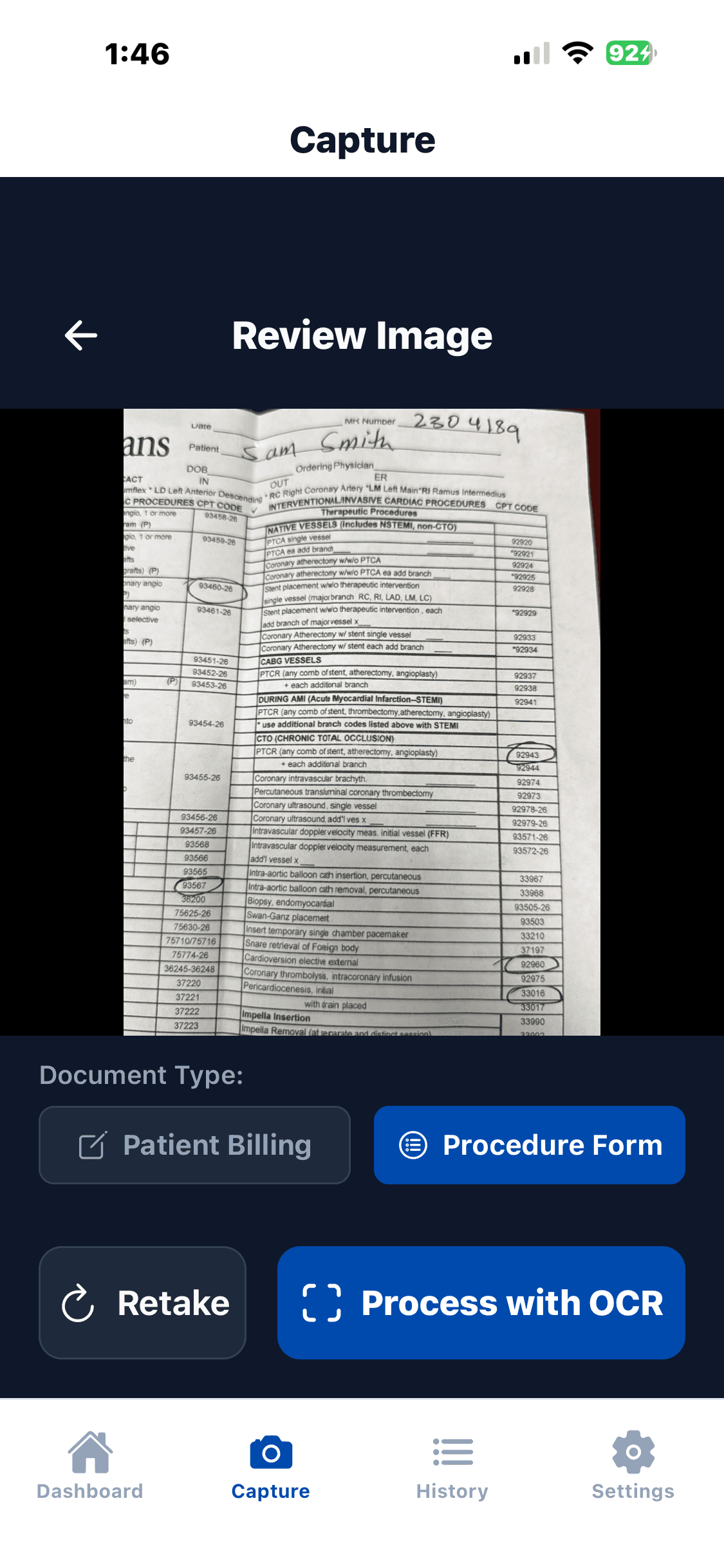
Select Billing Type
Tell us what we're looking at. Select the specific kind of billing sheet you are submitting so our AI knows exactly how to parse the layout.
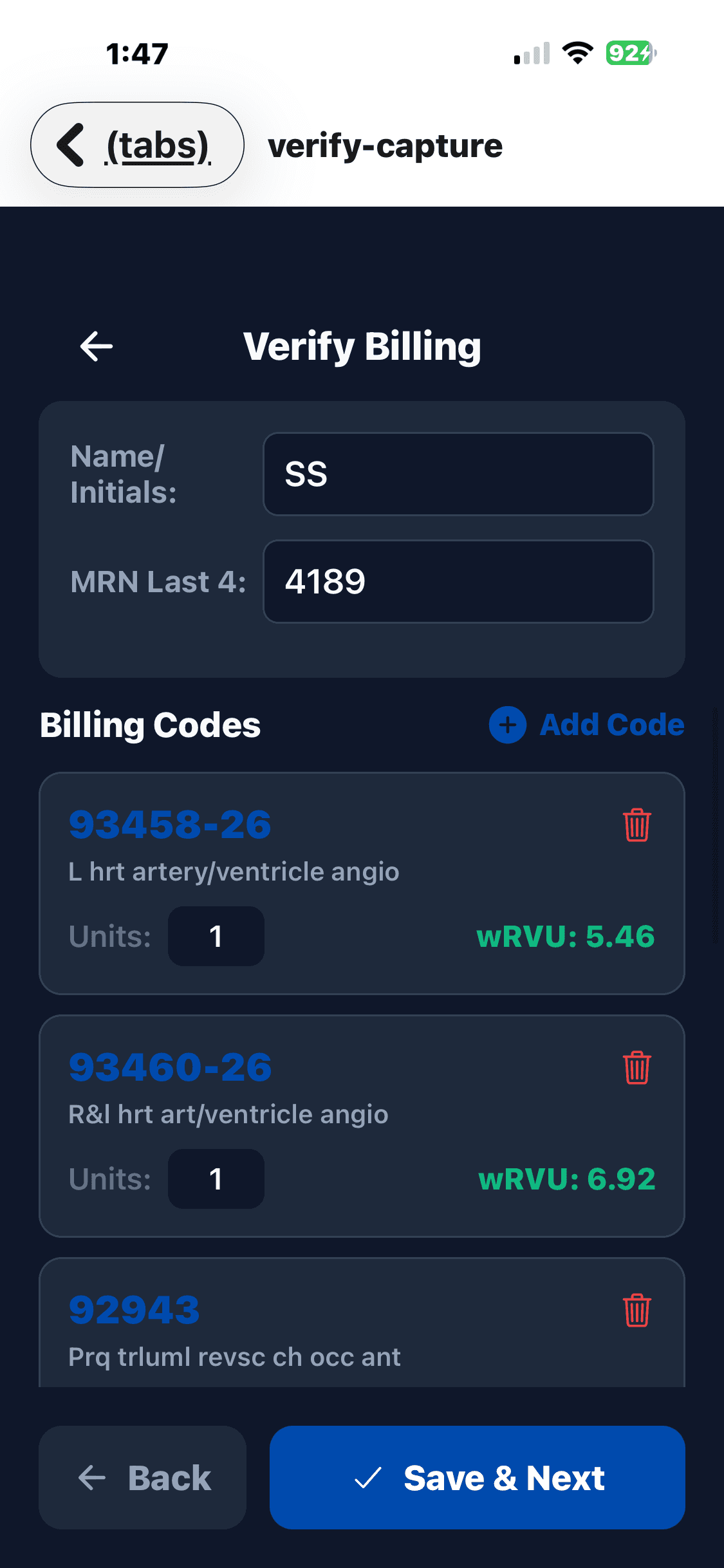
AI Analysis & Verification
Our advanced AI reviews your sheet instantly, picking out patient demographics and billing codes. All you need to do is verify the accuracy and tap 'Accept'.
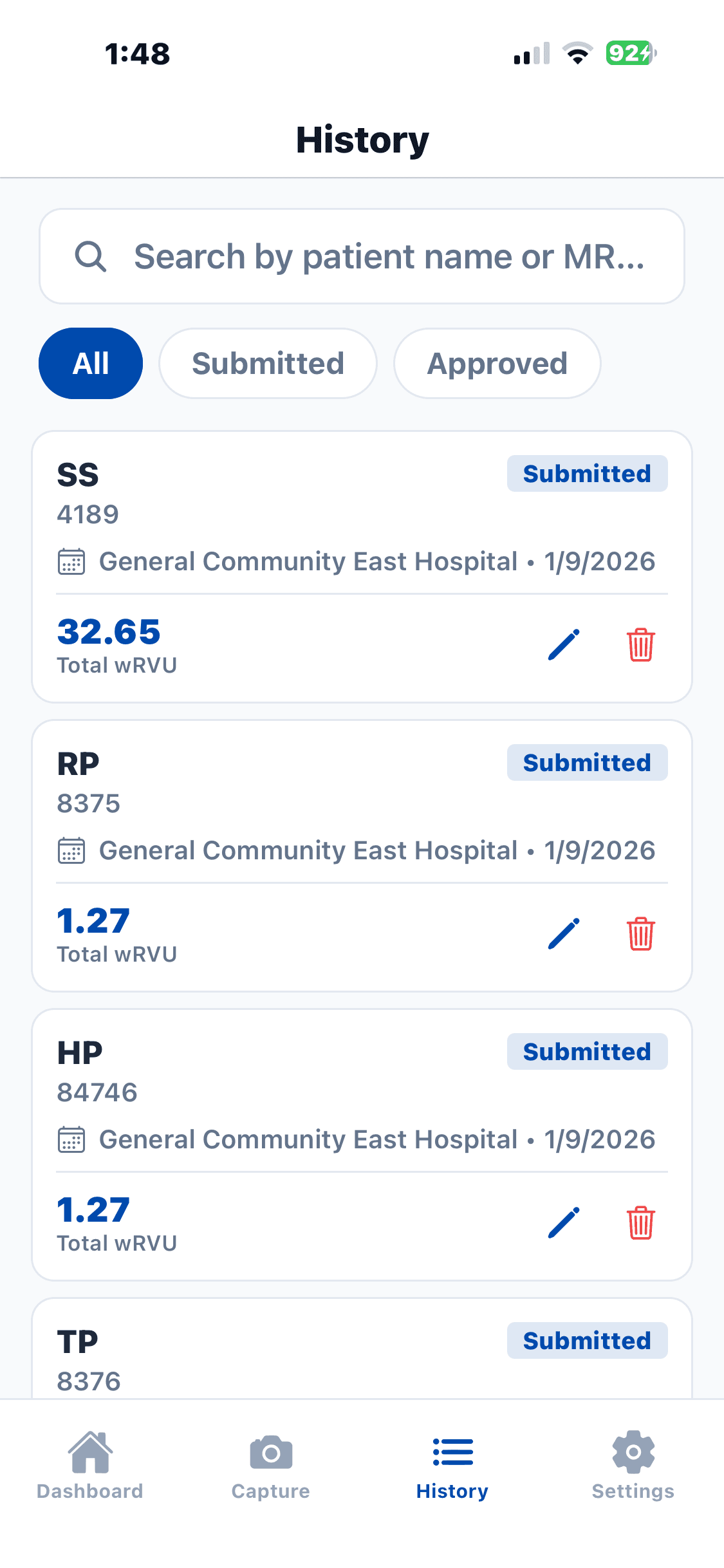
Final Review
Review your billing entry one last time. You can make manual adjustments if necessary before finalizing the submission.
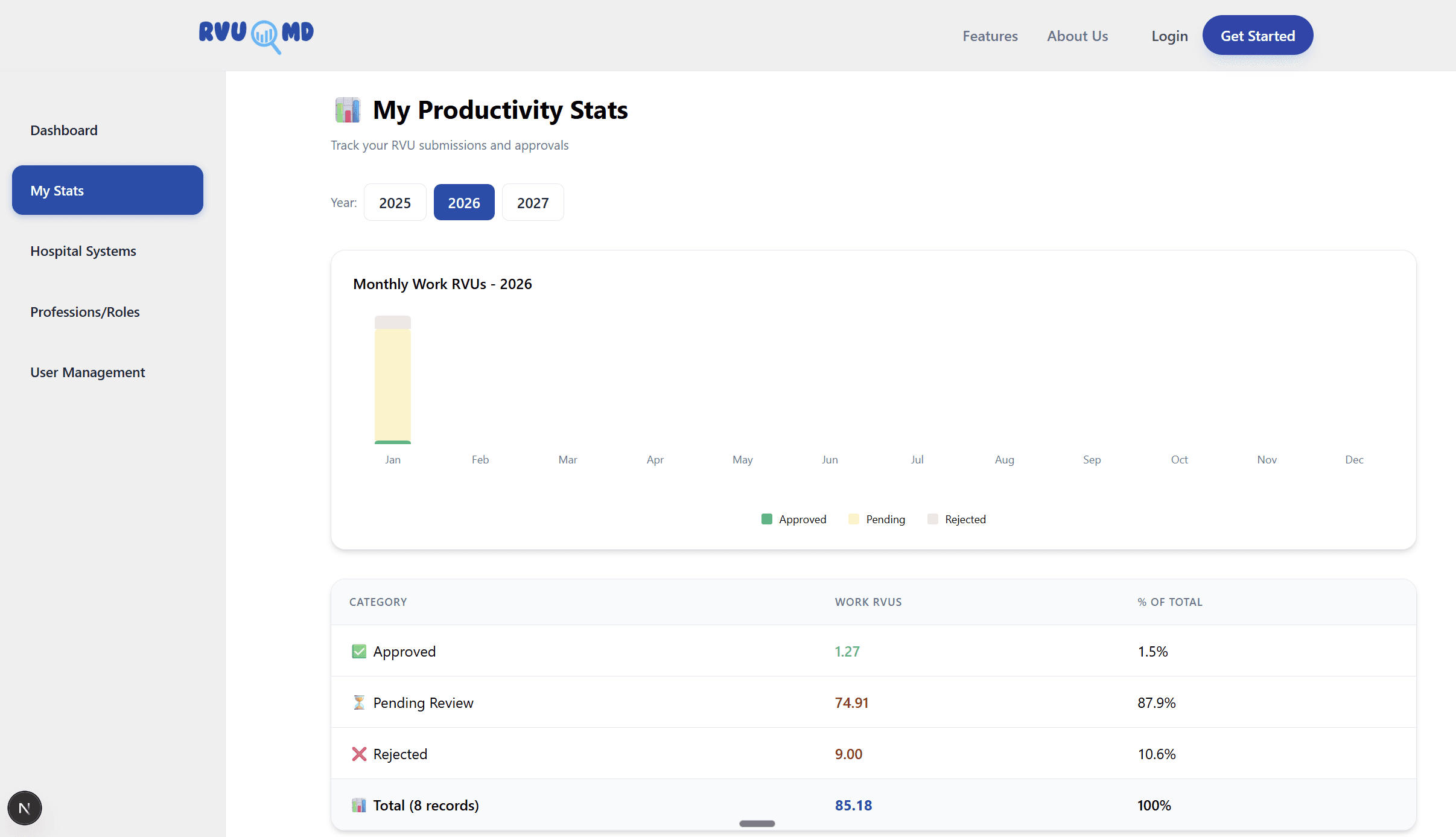
Real-Time Analytics
Log into your dashboard to see your wRVUs in real-time. View monthly or yearly trends to track your productivity and revenue.
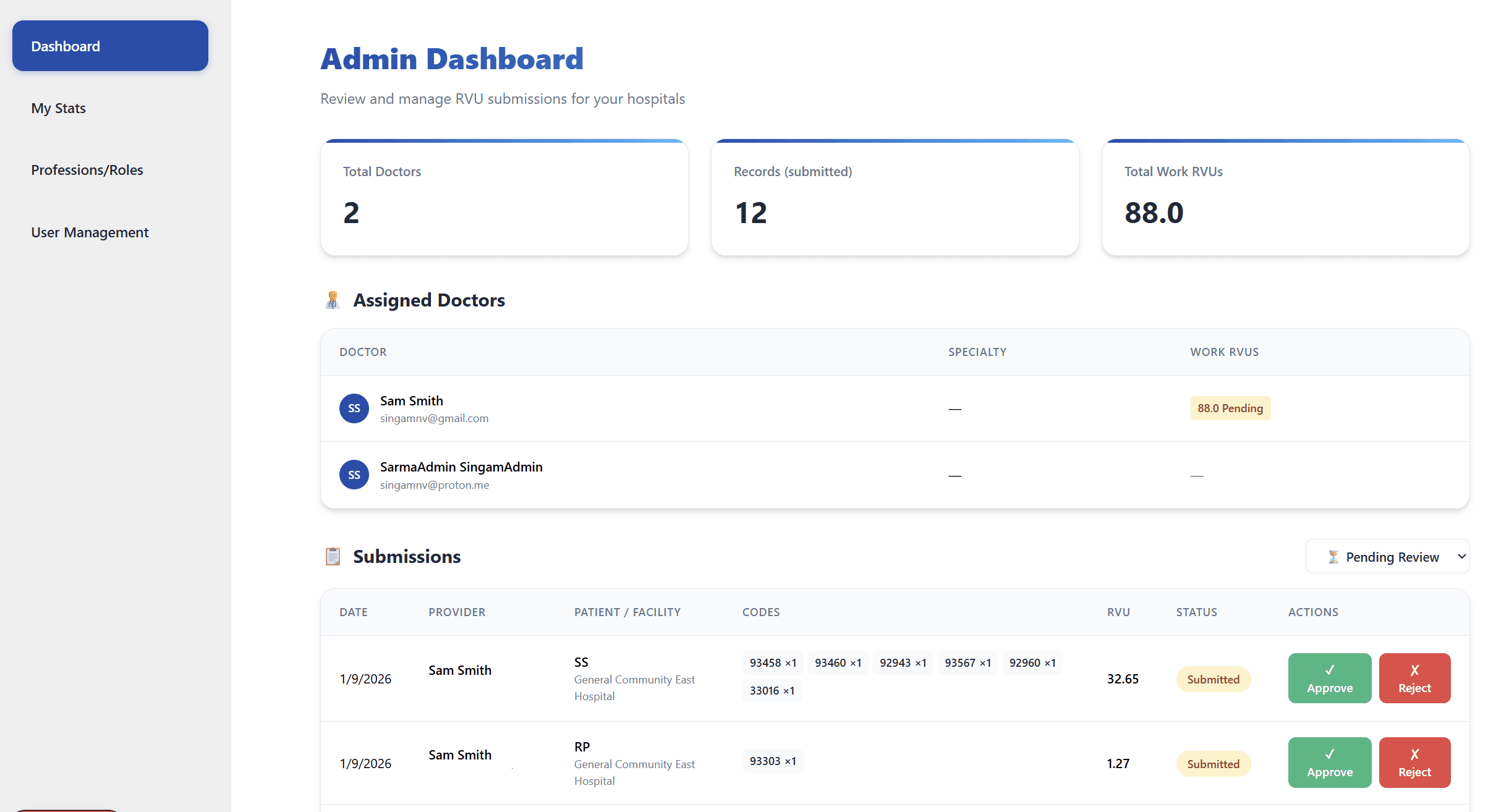
Admin Approval
If you work with an admin or billing team, they can view, approve, or reject submissions directly from their portal, ensuring everything is 100% accurate before claiming.